


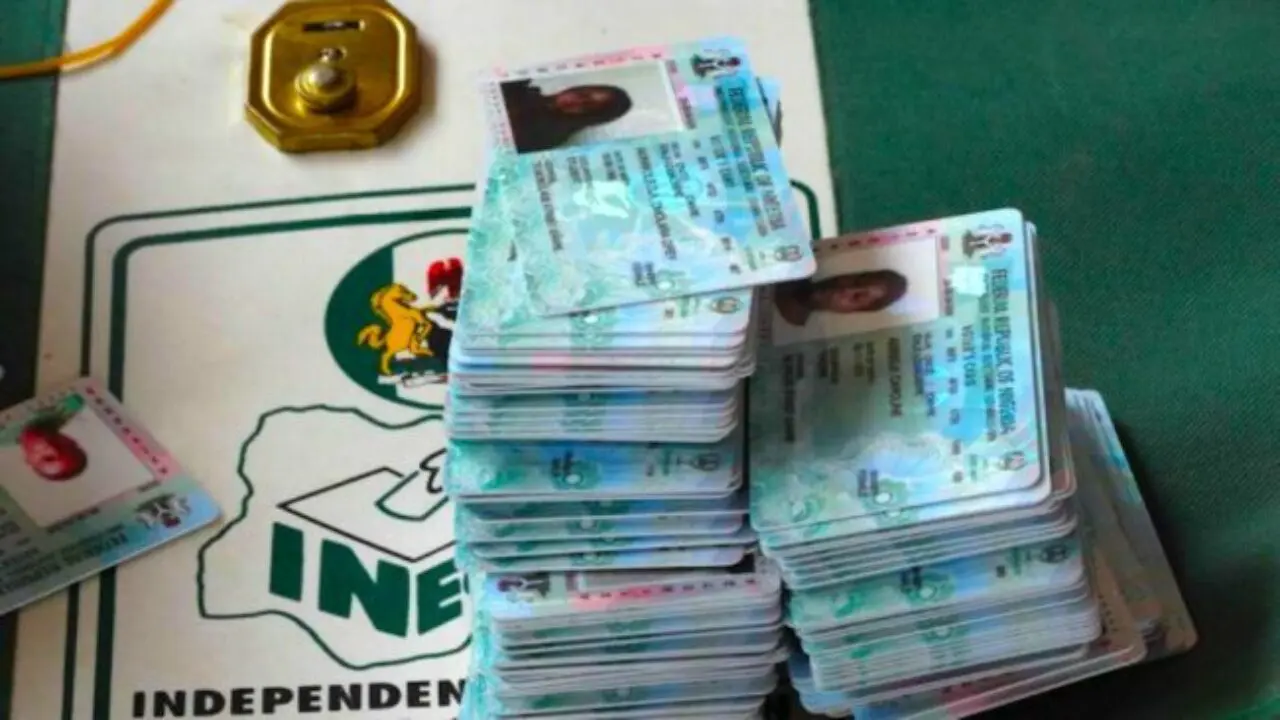
The Independent National Electoral Commission, INEC, has unveiled a new online self-service portal that allows eligible Nigerians to register for a Permanent Voter Card, PVC, transfer voting locations, update personal information and replace lost or damaged voter cards.
The Commission disclosed this on Tuesday, July 14, 2026, as part of its ongoing Continuous Voter Registration, CVR, exercise ahead of future elections.
According to INEC, the portal enables first time voters to complete their registration online using their mobile phones, including biometric capture, without physically visiting an INEC office.
The electoral body said applicants can begin the process by visiting the INEC Self-Service CVR Portal, creating an account and verifying their National Identification Number, NIN.
INEC explained that registrants would be required to provide personal details such as their name, date of birth, gender, occupation, residential address, educational qualification, state of origin and disability status where applicable.
The Commission stated that applicants must also select their preferred polling unit by choosing their state, local government area, ward and polling unit.
“Online registration requires applicants to use the INEC mobile application to capture a passport photograph and fingerprints using their smartphone,” the Commission said.
INEC added that the platform also allows voters to transfer their registration to another polling unit, update or correct personal information, locate PVC collection centres and apply for the replacement of lost, stolen or damaged voter cards.
The development comes after the Commission extended the nationwide Continuous Voter Registration exercise by two weeks, moving the deadline from July 10